How to Show Promotions on a Resume: Stack or Separate the Roles
Choose between stacked titles and separate entries for promotions, with examples that preserve dates and explain changes in responsibility.
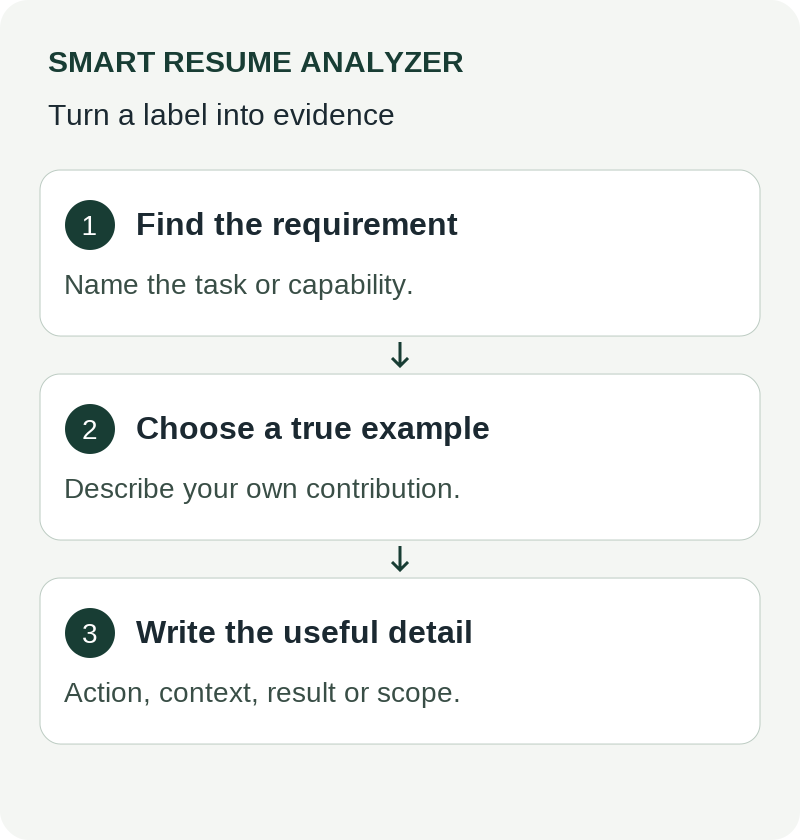
A promotion should show a change in responsibility, not just a more impressive title. Choose a structure that makes the dates and scope easy to understand. Stacked titles work for closely related roles; separate entries help when the work changed substantially.
Stack related roles under one employer
Use this when the company remained the same and the responsibilities developed along a clear path.
Example Logistics
Senior Operations Assistant | July 2024–Present
Operations Assistant | January 2022–June 2024
- As senior assistant, coordinated the daily handover list and reviewed unresolved delivery exceptions with the supervisor.
- Earlier, maintained order-status records and prepared collection documents for the warehouse team.
This fictional example names which work belongs to which stage. Avoid putting every bullet beneath both titles without indicating when the responsibility began.
Separate entries when the function changes
A move from customer support to reporting may deserve distinct entries even within one employer. Give each title its own dates and evidence. You can repeat the company name if that makes the structure easier to read; clarity matters more than avoiding a repeated line.
For example, a support role might describe handling order queries, while a later reporting role explains maintaining a weekly service dashboard. Do not imply that the reporting responsibilities existed throughout the full support tenure.
Handle internal transfers honestly
Not every title change is a promotion. A transfer to another team, a revised company title or an acting assignment may have a different meaning. Describe the change accurately: “Selected for a temporary acting assignment” or “Transferred to the reporting team.” Avoid labeling the move as a promotion unless that reflects the employment history.
If two assignments overlapped, explain the overlap with dates or a short note. Do not adjust dates merely to create an uninterrupted progression.
Add evidence of increased scope
Useful details include a larger queue, review responsibility, training duties, decision authority or coordination across teams. A change in title alone does not prove people management. State whether you supervised staff, trained peers or simply became the most experienced individual contributor.
Before: “Promoted for excellent performance.”
More informative fictional version: “Moved into the senior assistant role and became responsible for reviewing the handover register before the evening shift.”
Check forms and extracted text
Some application forms require a separate entry per title. Follow the form even if your resume groups them. Copy the exported resume into plain text and verify that each role still appears next to the correct date. Keep a detailed employment-history record so tailoring never changes the underlying facts.
Showing growth in the title line
If you held more than one title at the same employer, the simplest layout is one company heading with each title and its dates beneath it. This shows the progression at a glance and avoids repeating the employer's name. Write the dates for each role exactly, so the span of your time at the company is clear.
Dividing the bullets
Put each role's achievements under its own title. Early bullets can describe the original scope, and later ones can show what changed, such as a larger team, a wider area or new responsibilities. Do not move all the strongest bullets to the top title if they came from earlier work, since that blurs what you did at each level.
Describing what the promotion meant
A title change tells the reader less than the change in responsibility behind it. Say what you took on: people you led, a budget you managed, or a function you began to own. Use real figures only. If you do not know a number, describe the change in words.
Reasons for the move
A promotion usually needs no explanation. A transfer to a different team or a title that changed because of a restructure may deserve a short note so the reader does not read it as a demotion or a gap.
Check the output
Confirm that each title and date range extracts in the right order using the ATS parser, and read the experience section once as a hiring manager would. The resume score calculator will also flag unclear dates.
Sources and next step
CareerOneStop: work-experience section
Inspect the final file with the resume parser and check any autofilled application fields yourself.
Use These Tools Next
Use a working tool to apply this guidance to your own resume or job description.
Related Resume Pages
Explore related keyword and resume guidance pages to keep improving your application materials.
Using this guidance
Use these guides to check a specific part of your application. Automated feedback is guidance, not a hiring prediction. Check suggested edits against your own experience.
Related Articles
Continue with another guide on this topic.
Resume Writing
Achievement-Focused Resume Bullets for Tech Roles
A reusable formula for tech resume bullets, with before-and-after rewrites by role and how to stay measurable without inflating claims.
Career Development
Career Change Resume: How to Use an AI Resume Rewriter to Bridge the Skills Gap
Describe transferable experience in language relevant to your target role, while checking that rewritten bullets preserve the facts.
Resume Examples
Customer Service Resume Example: Show Resolution and Follow-through
Build a customer service resume around channels, issues and follow-through, with a fictional example and careful ways to describe service results.