Which ATS Is This Job Using? How to Tell From the Job Link (and What to Do Differently)
Identify the ATS behind a job link, then change how you apply without rewriting the resume.

You found a job you want, clicked Apply, and landed on a form you've never seen before. Maybe it wants you to create an account. Maybe it fills in your work history from your resume and gets half of it wrong. Maybe it's a single page with an upload button and nothing else.
I'm Muhammad Ali Mughal, and I built Smart Resume Analyzer, a free AI resume and ATS checker. One question I see a lot is "which ATS is this company using, and does it change what I should do?" The short answer: you can usually tell from the job link in a few seconds, and while it doesn't change what a good resume looks like, it does change how you should handle the application. Here's how I check, and what I do differently for each type of system.
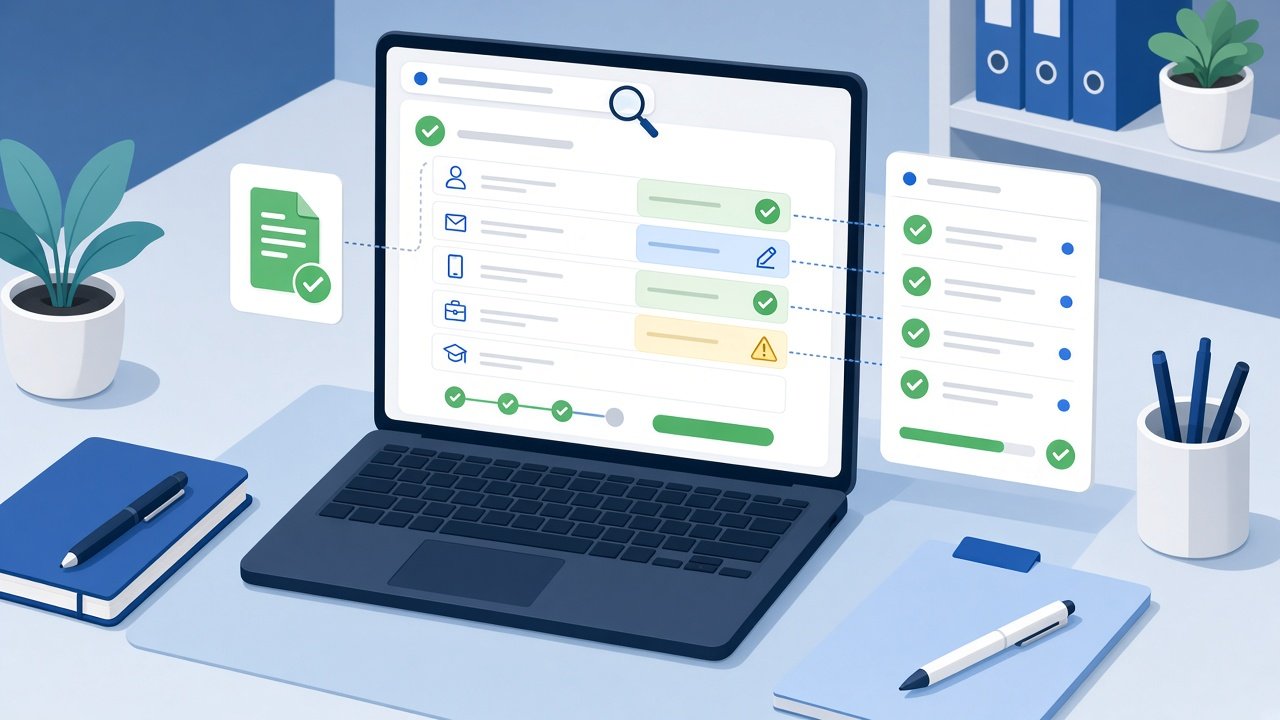
Why bother knowing the system?
An applicant tracking system (ATS) is the software a company uses to post jobs, collect applications and move candidates through hiring stages. Knowing which one sits behind a posting helps you:
- Expect the right process. Some systems ask you to create an account per employer; others take an upload and an email address.
- Catch parsing mistakes. Systems that pre-fill a profile from your resume show you exactly what they extracted. That's your chance to fix it before a recruiter sees it.
- Plan your time. A long multi-page form with screening questions takes 20 to 40 minutes. A short form takes five. Knowing which you're facing helps you batch applications sensibly.
What it should not do is make you build a different resume for every vendor. The fundamentals work everywhere: one column, standard headings, real text (not images), and wording that matches the role.
Step 1: Read the job link
Most ATS vendors host job pages on their own domains. Look at the address bar on the job page or, better, on the page you reach after clicking Apply. Common patterns:
| If the link contains... | It's usually... |
|---|---|
greenhouse.io (e.g. boards.greenhouse.io, job-boards.greenhouse.io) |
Greenhouse |
jobs.lever.co |
Lever |
myworkdayjobs.com or myworkdaysite.com |
Workday |
icims.com |
iCIMS |
taleo.net |
Oracle Taleo |
jobs.ashbyhq.com |
Ashby |
smartrecruiters.com |
SmartRecruiters |
apply.workable.com |
Workable |
bamboohr.com |
BambooHR |
jobvite.com |
Jobvite |
recruitee.com |
Recruitee |
teamtailor.com |
Teamtailor |
successfactors |
SAP SuccessFactors |
oraclecloud.com with CandidateExperience in the path |
Oracle Recruiting Cloud |
If you don't want to memorise that table, I made a free tool for it: Which ATS Is This Job Using?. You paste the job link and it compares the host name and a few known address patterns against fifteen common systems. The check runs in your browser, nothing is fetched from the job page, and if it can't tell, it says "unknown" instead of guessing.
Step 2: If the link only shows the company, follow the Apply button
Large employers often run their careers site on their own domain (careers.company.com) and load the ATS inside it. The address then shows only the employer. Two quick ways to find the vendor anyway:
- Click Apply and look again. The application step frequently moves you to the vendor's domain.
- Look at the page footer and privacy links. Many hosted job boards include a small "Powered by" line or link to the vendor's privacy notice.
If you still can't tell, that's fine. Apply with your standard ATS-friendly resume and treat it as an unknown system.
Step 3: Adjust how you apply, not what you are
Here's how I approach the main families of systems. These are patterns I've seen, not promises about any single employer's configuration, because companies customise their setups heavily.
Profile-builder systems (Workday, Taleo, SuccessFactors, Oracle)
These usually ask you to create an account, upload your resume, and then review a long form that has been pre-filled from it.
- Check every pre-filled field. Dates, job titles and employers are commonly split or merged incorrectly. Fix them by hand. Recruiters often see the structured fields, not just your file.
- Use standard section headings like "Work Experience," "Education" and "Skills" so the parser maps sections correctly.
- Write dates consistently, for example "Mar 2022 – Present" throughout. Mixed formats are a common cause of scrambled history.
- Keep a password manager entry per employer. Many of these portals create a separate account for each company, and you'll need it to check your status later.
- Budget time for screening questions. Answer them carefully; knockout questions (work authorisation, location, required certifications) can filter you out before a human looks.
I wrote a dedicated Workday resume checker page because this is where I see the most parsing frustration.
Upload-and-go systems (Greenhouse, Lever, Ashby, Workable)
These tend to have shorter forms: name, email, resume upload, links, and a few custom questions.
- Your resume file does most of the work. There's less structured data to correct, so the file itself needs to read cleanly.
- Fill in the optional links. LinkedIn, GitHub or portfolio fields are quick wins for technical roles.
- Treat custom questions like a mini cover letter. "Why this role?" answered in three specific sentences beats a pasted generic paragraph.
- Mirror the posting's wording for skills and titles, because recruiters often search and filter candidates by keyword later.
Small-business systems (BambooHR, Recruitee, Teamtailor, Breezy)
Often used by smaller companies where the hiring manager reads applications directly.
- Lead with relevance. Your summary and first bullets should speak to this exact role.
- A short, tailored cover note matters more here, because a person is likely reading it soon.
Step 4: Test how your resume parses before you apply
Whatever the system, the most useful thing you can do is see your resume the way software sees it. Things that commonly break parsing:
- Two-column layouts where the reading order gets mixed up
- Contact details placed in the document header or footer
- Skills shown as icons, progress bars or images
- Tables used to lay out the whole page
- Unusual section names like "My Journey" instead of "Experience"
Run your file through an ATS parser and read the plain-text output. If your job titles, dates and employers come out in the right order, you're in good shape for nearly every system on the list above.
My quick pre-apply routine
- Paste the job link into the ATS detector.
- If it's a profile-builder system, set aside extra time to review every pre-filled field.
- Check the resume's parsed text.
- Compare the resume against the job description for missing keywords.
- Apply, then log the company, role, system and date in a job application tracker so you can follow up.
Try it on the next job you're about to apply for: paste the link into the ATS detector, then run your resume through the free checker on Smart Resume Analyzer.
Sources and further reading
These pages are independent references for the advice in "Which ATS Is This Job Using? How to Tell From the Job Link". Read them alongside this guide and follow your target employer's own instructions where they differ.
Use These Tools Next
Use a working tool to apply this guidance to your own resume or job description.
Related Resume Pages
Explore related keyword and resume guidance pages to keep improving your application materials.
Using this guidance
Use these guides to check a specific part of your application. Automated feedback is guidance, not a hiring prediction. Check suggested edits against your own experience.
Related Articles
Continue with another guide on this topic.
Resume Tips
What to Remove from a Resume: A Line-by-Line Audit
Decide what to cut, compress, or keep with a resume line audit that protects important qualifications, chronology, and evidence.
Resume Tools
AI Resume Analyzer vs Resume Builder: What Job Seekers Actually Need
Resume builders help you create a draft. Resume analyzers help you improve one. Job seekers usually need both at different moments.
ATS Optimization
ATS Myths and Misconceptions: What Is Actually True
The ATS claims that circulate online, which ones hold up, and which ones cost job seekers interviews. A myth-by-myth FAQ.