Resume Quality Checklist: Twelve Checks Before You Send It
Twelve practical checks to run on your resume before you apply: file, text recovery, dates, evidence, wording and consistency. Takes about fifteen minutes.
A resume can have good content and still fail on small things: a missing date, a file name that confuses the recipient, a section a system could not read. This checklist covers the checks worth doing every time, in the order that saves the most rework. Allow about fifteen minutes.
Which checks come first?
Start with the file, because later checks assume the file is the right one.
- Right version. Confirm the file is the one written for this job, not an earlier draft.
- File name. Use a plain, recognisable name such as
[First-Last]-Resume.pdf. Avoid "final", "v3" and spaces that turn into odd characters. - Format the employer asked for. If the posting names a format, use it. If it does not, a text-based PDF or a DOCX is the usual safe choice; avoid files where the text is an image.
- Text survives. Open the file, select all, and paste into a plain editor. Missing or reordered text there is a layout problem. The ATS parser check does the same test and shows what comes back.
What should you check in the content?
- Dates and titles agree. Every role needs a start and end date in one consistent format, and titles should match what your online profile says.
- Contact details work. Check the email address and phone number, and that any link opens the right page.
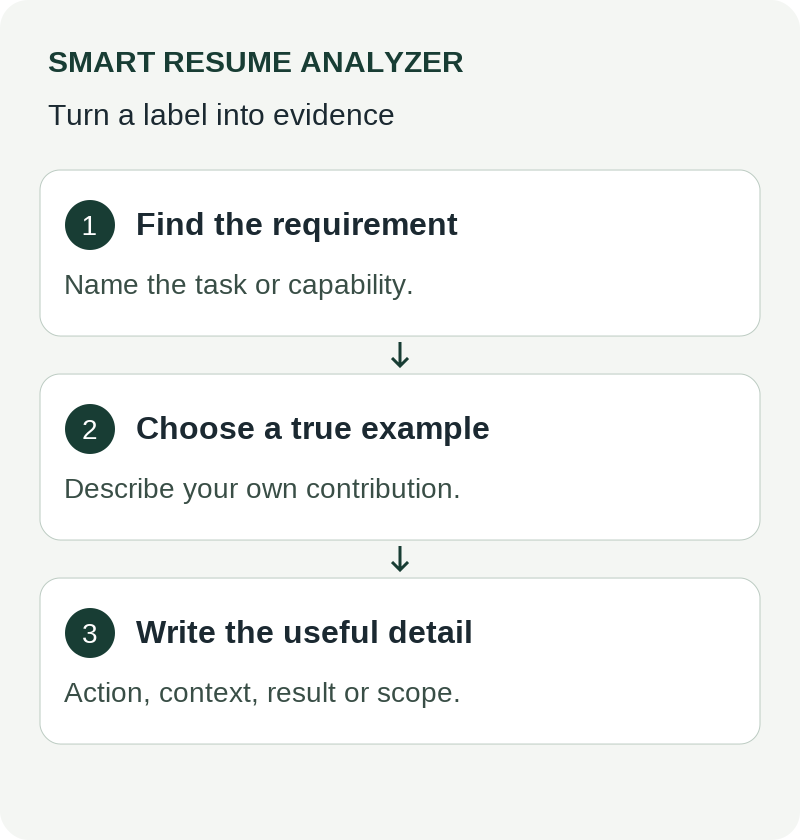
- Evidence in every bullet. Each bullet should say what you did and what came of it. Where you have a real figure, give it; where you do not, describe scope in plain words rather than inventing a number.
- Wording matches the posting where true. Compare your first page with the posting's requirements and use their terms for work you did. The comparison method takes twenty minutes.
What about the details a reader notices?
- Spelling and consistency. Read the document aloud once. Check that tools are spelled the same way throughout and that tenses are consistent (current role in present tense, past roles in past).
- Length and spacing. Keep it as short as your experience allows. Make sure no heading sits alone at the bottom of a page.
- Nothing you cannot defend. For every claim, ask whether you could explain it for two minutes in an interview. Remove anything you could not.
- Read it as the recipient. Look at the first third of the first page only. If that part does not show why you suit the role, move the strongest material up.
A quick way to run it
Print the list or keep it open beside the document. Tick each item and write down any change. Fix problems in the order above: file issues first, because they make later checks meaningless, then content, then details.
Common questions
How often should I run this?
Before every application. Items 1 to 4 take two minutes once you have done them a few times.
Is an automated resume quality check enough?
No. An automated check can flag layout and structure problems quickly, but it cannot know whether your claims are true or whether your first page fits the role. Use it for items 4 and 9, and do the rest yourself.
What if I find a problem at the last minute?
Fix file and date errors, which are quick and visible. Leave larger rewrites for the next application rather than rushing a change you have not reread.
Related tools
The resume checker can run several of these checks for you on an uploaded file, and the ATS parser check shows the text that survives upload.
Sources and further reading
These pages are independent references for the advice in "Resume Quality Checklist". Read them alongside this guide and follow your target employer's own instructions where they differ.
Use These Tools Next
Use a working tool to apply this guidance to your own resume or job description.
Related Resume Pages
Explore related keyword and resume guidance pages to keep improving your application materials.
Using this guidance
Use these guides to check a specific part of your application. Automated feedback is guidance, not a hiring prediction. Check suggested edits against your own experience.
Related Articles
Continue with another guide on this topic.
Tool Guides
Compare Resume Versions Before You Apply: What Actually Improved?
Comparing resume versions helps you see what actually improved, what regressed, and which draft is stronger before you apply.
Resume Guides
Full-Stack Resume Bullet Rewrites (Before & After)
Full-stack developer resume examples with before-and-after bullet rewrites that show frontend and backend impact for ATS and recruiters.
ATS Optimization
How to Check Resume Readability Before Applying
Check exported text, headings, dates, job requirements, and application fields without relying on a universal ATS passing score.