MS Word Cover Letter Template: Download and Customize
Use a simple Word-compatible cover-letter starter, replace its prompts with evidence, and check the final page before exporting or uploading.
A Microsoft Word cover-letter template should save formatting time while leaving the content specific to your application. You can use Word's built-in template search or start with the original Word-compatible RTF starter provided here. This download is our own layout, not a Microsoft-authored or Harvard-endorsed template.
Choose a simple structure
Use a contact line, date, recipient details where appropriate, greeting, short body, and sign-off. A letter pasted into a portal may need only the greeting, body, and name. Follow that portal's instructions rather than pasting an address block into a field that does not need it.
In Word, open the starter and save a working copy as DOCX if you need that format. RTF is editable in Word, but an employer may accept only PDF or DOCX. Use the accepted format for the submitted file; keep the editable original for later changes.
Replace the prompts
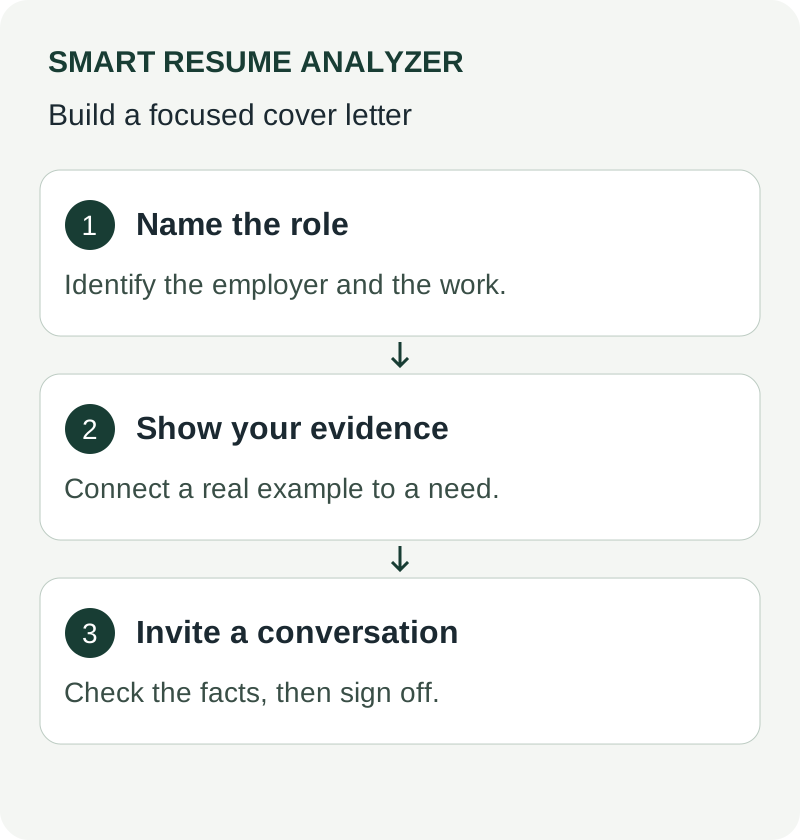
The opening prompt asks for a role, company, and relevant connection. For example: “I am applying for the Billing Support Specialist role at Cedar Systems. My support work includes reviewing disputed invoices with finance.” That is fictional wording; adapt it only to experience you actually have.
The evidence paragraph needs an action and context. “I documented the escalation path and trained new shift staff to use it” communicates more than “I am a strong communicator.” If the evidence is in your resume, ensure the titles and scope agree across both documents.
The closing asks for a conversation and thanks the reader. Use the closing examples if you need an alternative to a generic final line.
Inspect the saved version
Delete bracketed prompts and any sample employer names. Confirm your name and email remain readable text. Check that the last paragraph and sign-off fit together and that the letter is not spilling onto a second page because of an extra blank paragraph.
Open the exported attachment, not just the working file. Check spelling, page breaks, and filename. If a template uses text boxes or elaborate columns, replace them with ordinary paragraphs when they complicate reading. A polished template cannot verify your claims or guarantee an interview; the final factual review is still yours.
Sources and further reading
Use These Tools Next
Use a working tool to apply this guidance to your own resume or job description.
Related Resume Pages
Explore related keyword and resume guidance pages to keep improving your application materials.
Using this guidance
Use these guides to check a specific part of your application. Automated feedback is guidance, not a hiring prediction. Check suggested edits against your own experience.
Related Articles
Continue with another guide on this topic.
Cover Letters
Cover Letter Google Docs Template Guide
Find a cover letter Google Docs template, learn the right structure, and turn a simple draft into a polished application faster.
Cover Letters
Cover Letter Templates That Help You Apply Faster
Cover letter templates that help you apply faster, with a simple ATS-friendly structure you can tailor to any job in minutes.
Job Search Strategy
How to Write a Cover Letter That Doesn't Sound AI-Generated in 2026
Replace generic wording with specific motivation and evidence from your work. Review AI-assisted drafts for accuracy and your own voice.